Confirm compatibility
Tell us your POS provider and version. We’ll confirm the available connection and what information it supports.
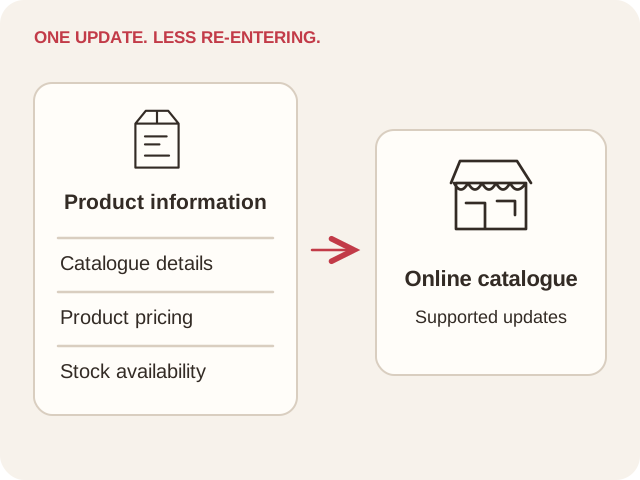
Bring product, pricing, and inventory updates from supported POS systems into your online store. We’ll explain what your connection supports and how updates work for your setup.
Tell us your POS provider and version. We’ll confirm the available connection and what information it supports.
Work through your products, pricing, and stock data so the connection fits your online store.
We’ll explain how information moves, how often it updates, and what your team needs to manage.
Connecting supported product and stock updates helps your team maintain its online catalogue and reduces the need to enter the same information in several places.
Already have a POS? Tell us which one and we’ll confirm what is supported for your store.
We’ll explain compatibility, the data your connection can share, and the steps involved in getting started.